
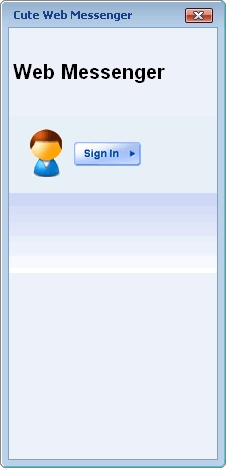
Login and entry
A lightweight browser-based sign-in flow keeps the messenger close to the application instead of acting like a separate product.
Product tour
From login and contact lists to group management, file sharing, and richer conversation views, these screens show how the browser-based messenger behaves in day-to-day use.
A lightweight browser-based sign-in flow keeps the messenger close to the application instead of acting like a separate product.
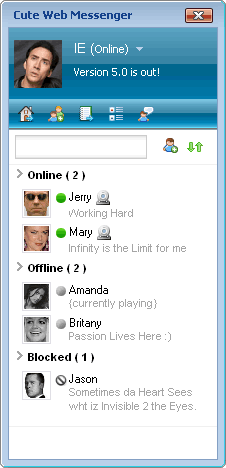
The primary chat surface combines private conversation flow with familiar messenger structure and controls.
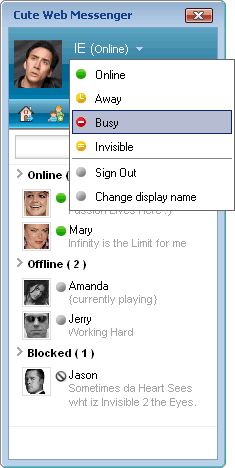
Users can move between states like available, busy, or invisible depending on how open they are to conversation.
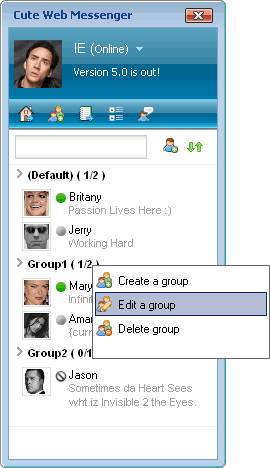
Contact groups make it easier to manage larger communication networks inside the application.
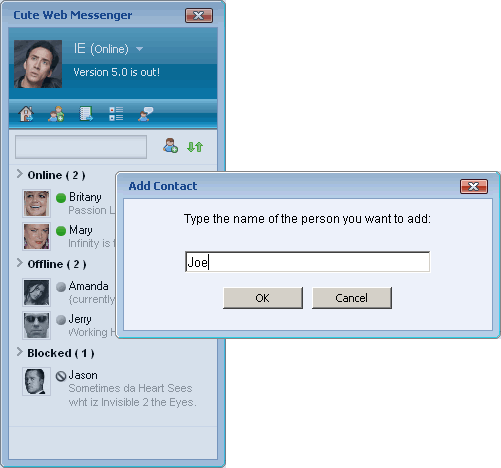
Adding, managing, and organizing contacts follows a pattern users already know from public messenger tools.
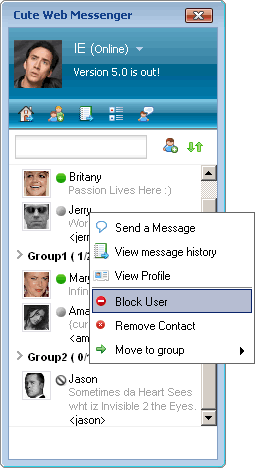
Blocking and managing unwanted contact helps keep private communication personal and manageable.
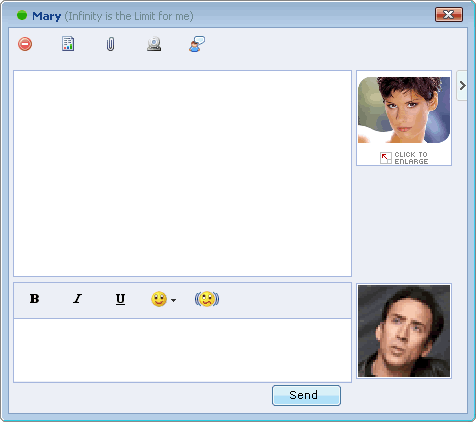
The broader messenger experience can extend beyond plain text to support more immersive communication scenarios, including video-focused screens shown in the product guides.
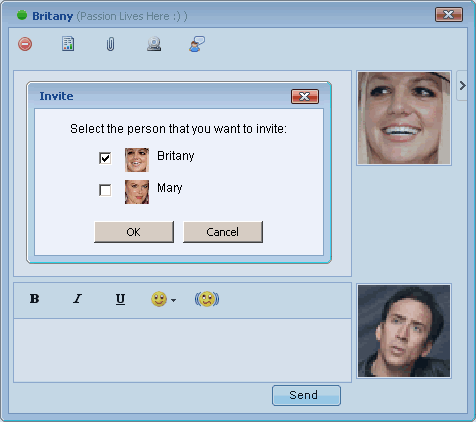
Invitation and handoff flows make it easier to bring the right people into the conversation when context changes.