1. The Live Support Operator application is included in the download package. It also can be downloaded from CuteSoft web site.
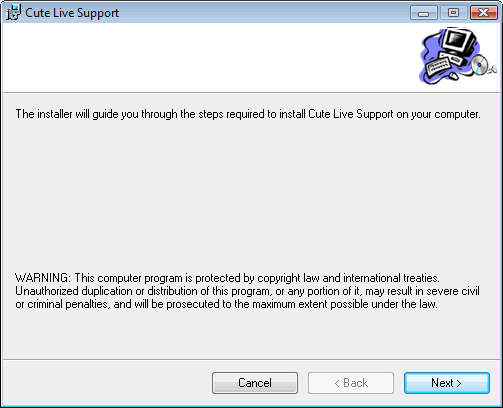
Double click it, the following Welcome dialog is displayed:
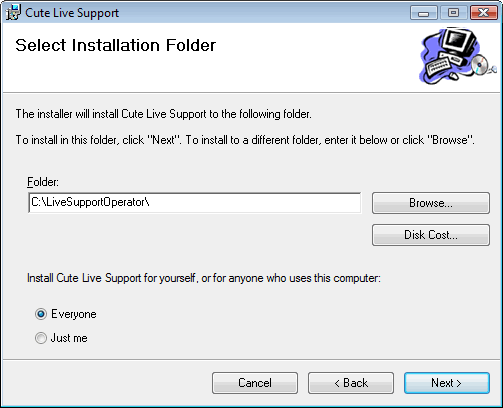
2. Click Next. The following dialog is displayed. Click the Browse button to change the Destination Folder if desired. Otherwise, click Next to continue.:
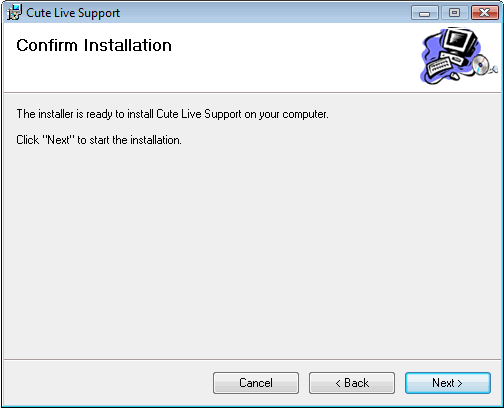
3. The following dialog is displayed, click Next to continue.:
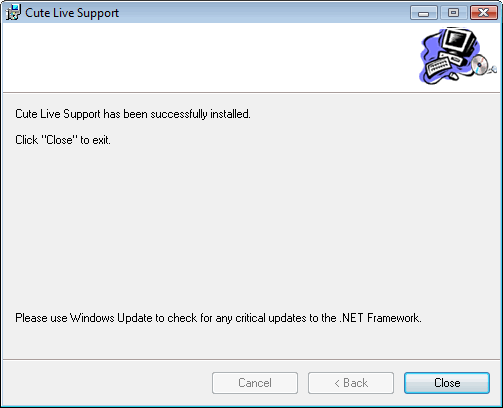
4. The following dialog is displayed when the process is complete.
2. Click Next. The following dialog is displayed. Click the Browse button to change the Destination Folder if desired. Otherwise, click Next to continue.:
3. The following dialog is displayed, click Next to continue.:
4. The following dialog is displayed when the process is complete.