The following guide shows the steps to implement a Cute Chat and Cute messenger into Club Web Site Starter Kit application. If you haven't downloaded the software, please download the software copy from here.
 |
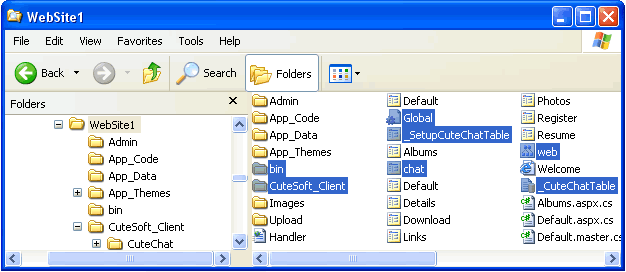
Unzip the zip file and copy CuteChat client files to the root of your Club Web Site Starter Kit installation. The following files/folder should be deployed to the root of your Club Web Site Starter Kit installation.
 |
 |
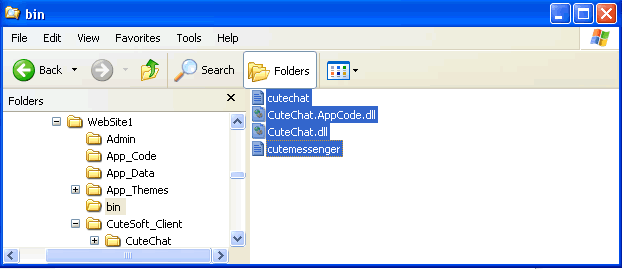
Deploying the CuteChat.dll assembly and license file The following files should be deployed to \bin directory of your Club Web Site Starter Kit installation. Display the screenshot of this step
 |
 |
Log in as "admin", run _SetupCuteChatTable.aspx in your browser. Then delete _CuteChatTable and _SetupCuteChatTable.aspx from your Club Web Site Starter Kit installation. |
 |
Log in as "admin", add one or more chat rooms to your site.
In the Cute Chat Administration Console, add one or more chat rooms to your site. |